 Power Communications (PowerComms)
Leveraging Power Platform for Email Campaigns
I created the Power Communications (PowerComms) app to provide a centralized way to create, customize, and manage branded communication templates. PowerComms replaces a costly third-party solution that required per-user licenses and annual fees.
Core capabilities
- Customization:
Create and customize banners, tables, and email layouts. - Brandable:
Adjust colors, fonts, and images to support branded communications. - Reusable:
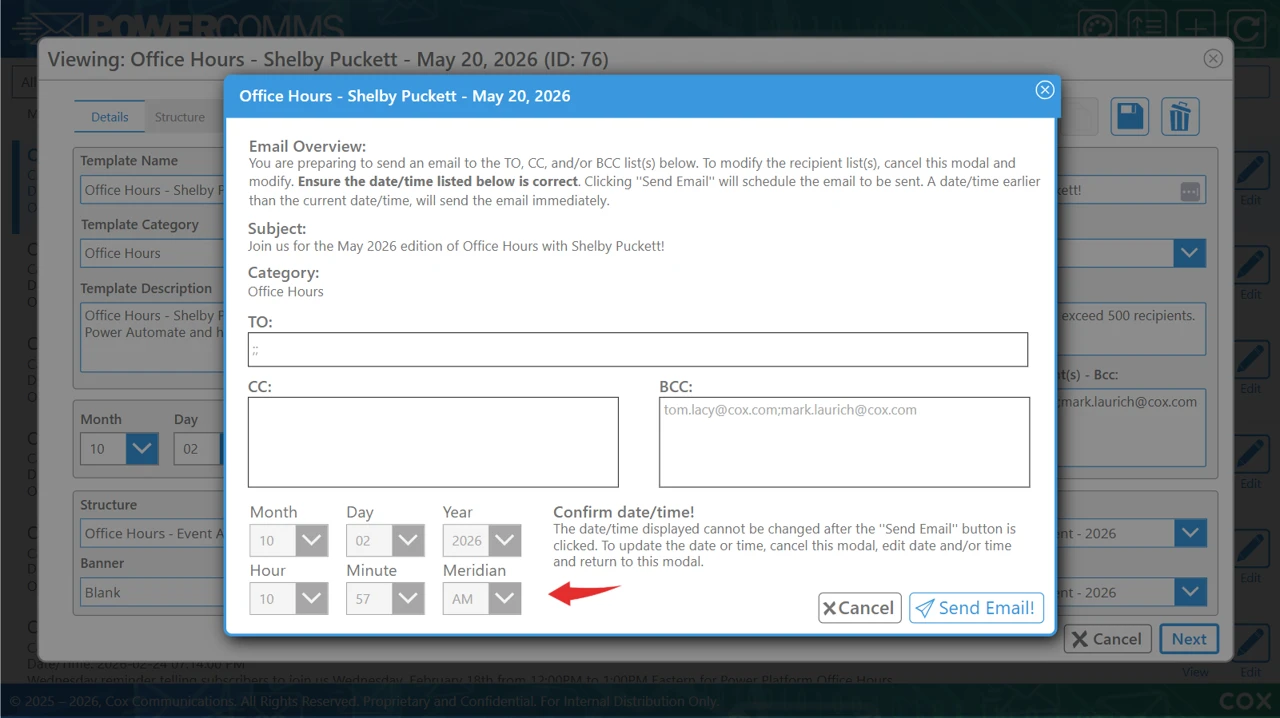
Save and reuse templates for recurring communications. - Scheduling:
Schedule a date and time to send communications. - Modifiable:
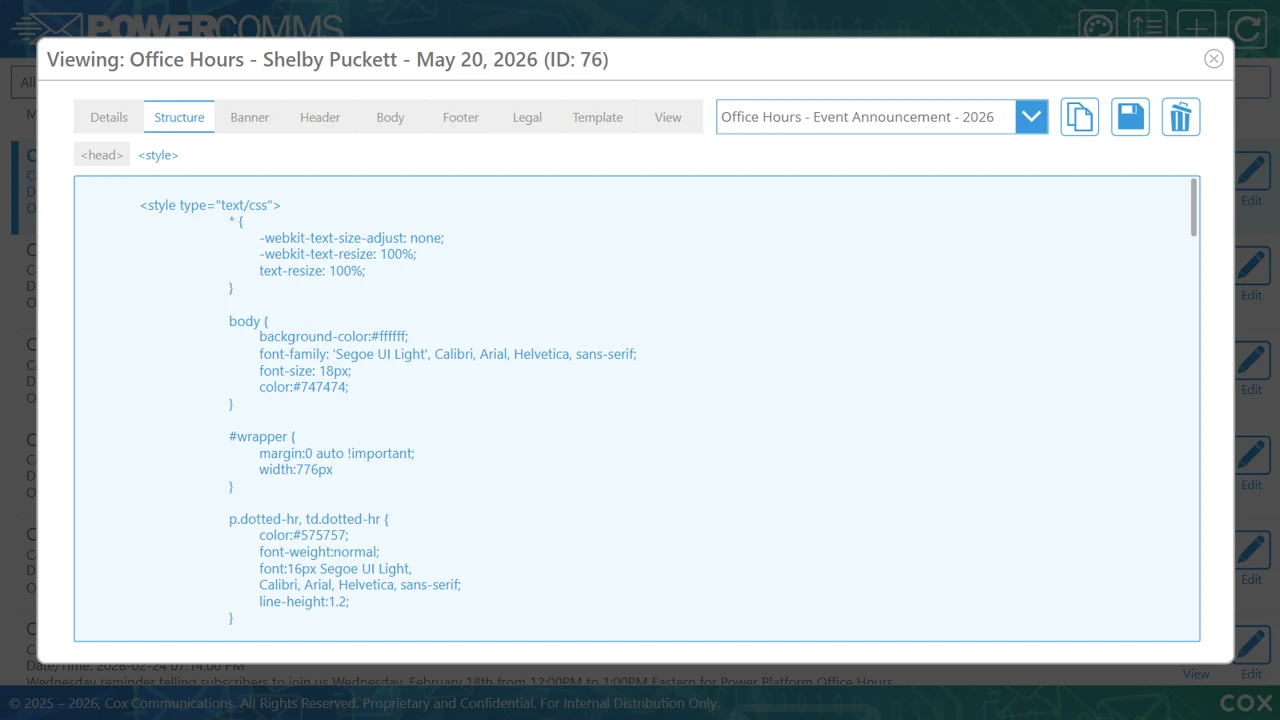
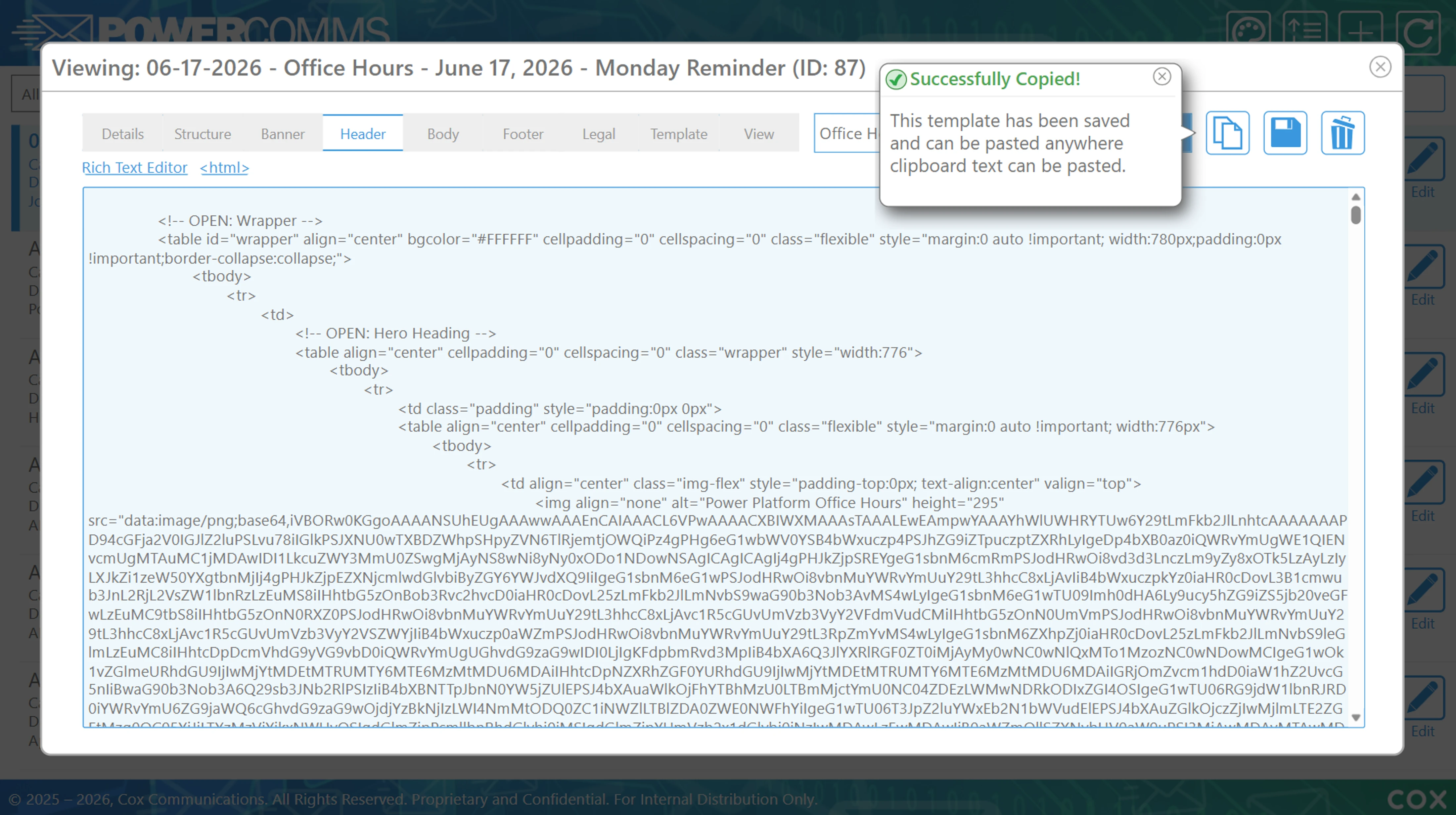
View/Edit/Save As template code for quick updates to completed emails. - Templating:
Create, copy, view, update, or delete templates to customize communication. - Standardization:
Help standardize communication design and streamline content creation.
Intended audience and value
The app is designed for teams and employees who create internal communications, announcements, training messages, and other branded email content. By combining flexible design controls with reusable templates, PowerComms helps users create consistent, professional communications more efficiently. PowerComms is a Canvas Power App and Power Automate flow used by teams for branded communications.
Screenshots

Tools/Skills
Purpose
The goal was to create more than a basic email editor. PowerComms was designed as a centralized branded-communications experience that helps teams and employees create, customize, save, and reuse professional communication templates.
The app supports internal communications, announcements, training messages, and other branded email content while helping the organization move away from a costly third-party solution that required per-user licensing.
Case-Study Type: Project
Solution Type: Power Apps / Power Automate

I created PowerComms as a centralized, branded communications platform that lets teams build, customize, save, and reuse professional templates for internal messaging while replacing an expensive third-party solution with per-user licenses and annual usage fees.
Understanding the opportunity
The initial challenge was to make branded communication creation flexible enough for different communication needs while keeping the experience consistent and easy to manage. Users needed the ability to:

- Create banners, tables, and email layouts
- Adjust colors, fonts, and images
- Preview the final communication
- Save templates for future use
- "Mix-and-Match" saved email components to create new layouts quickly
- Schedule communications for future use
The experience also needed to help standardize design without requiring every user to be a visual-design expert.
The UX Challenge:
How do we give employees enough control to create effective, branded communications while providing enough structure to keep the experience consistent, reusable, and efficient?
This framing influenced the template model, editing workflow, reusable components, visual controls, content hierarchy, and preview experience.
Discovery considerations
The discovery work focused on understanding the recurring tasks involved in creating branded communications and the controls users would need to complete those tasks efficiently.
Key considerations included:
- Supporting different communication formats, including banners, tables, and email layouts.
- Making brand controls such as colors, fonts, and images accessible without overwhelming the user.
- Helping users start from an existing template or create new content from reusable components.
- Providing a clear way to review and preview communications before they are used.
- Reducing repetitive work for recurring announcements and internal messages.
- Replacing the dependency on a costly third-party platform with an internally managed Power App.
These considerations led to an experience that combines flexible design controls with repeatable templates, branding opportunities, and standardized visual patterns.
Experience strategy
The strategy was to organize the app around a reusable-template workflow rather than a one-time content-creation task.
PowerComms supports a progression from finding an existing communication, to editing its content and visual styling, to reviewing the final result and creating reusable components for future work.
The strategy was guided by five principles:
- Template-first creation: Start with an existing communication whenever possible to reduce redundant work.
- Flexible branding: Allow users to adjust colors, fonts, images, and layouts while keeping the experience structured.
- Modular design: Support reusable banners, tables, email sections, and other communication components.
- Review before use: Make the final communication visible through a preview experience before it is shared.
- Standardized efficiency: Help teams create consistent communications more quickly through saved templates and repeatable patterns.
This strategy turns branded communication creation into a manageable workflow that can support both occasional and recurring communications.
Information architecture and content structure
A significant part of the UX work was deciding how users should move between existing communications, template editing, visual customization, preview, and component creation.
The primary experience areas include:
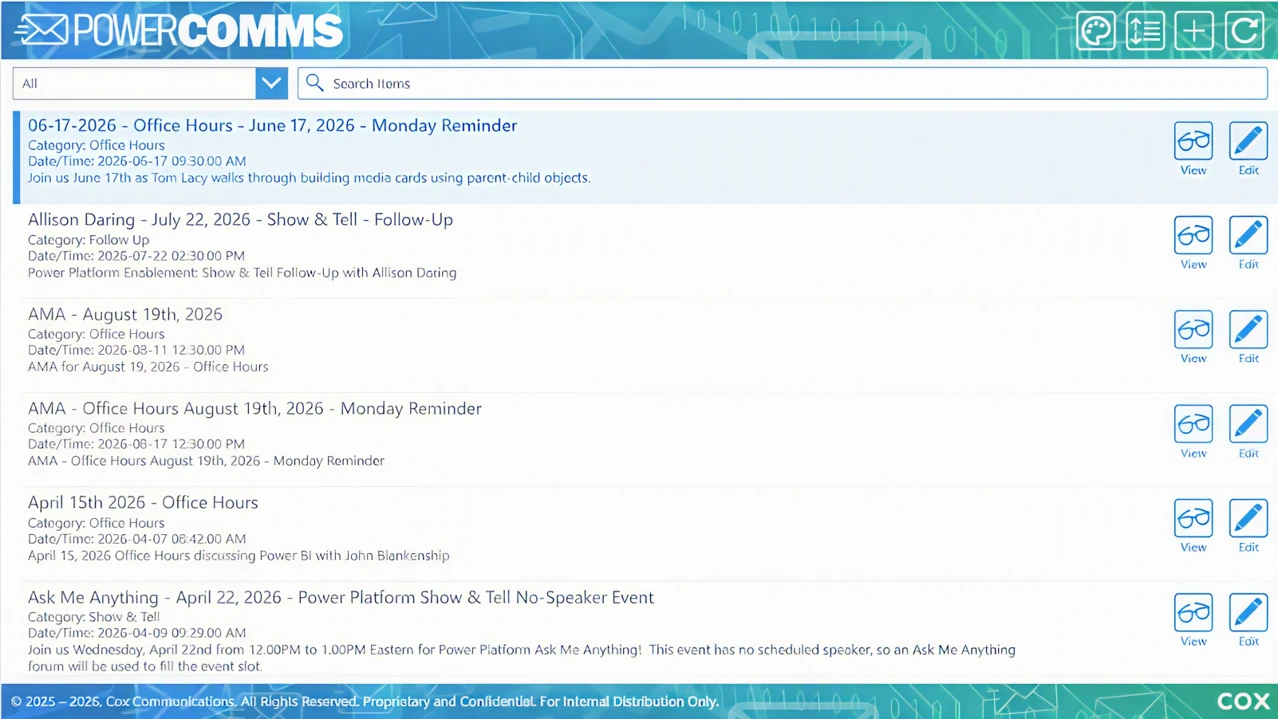
- Template and communication list: A centralized view for finding existing communications and identifying available actions.
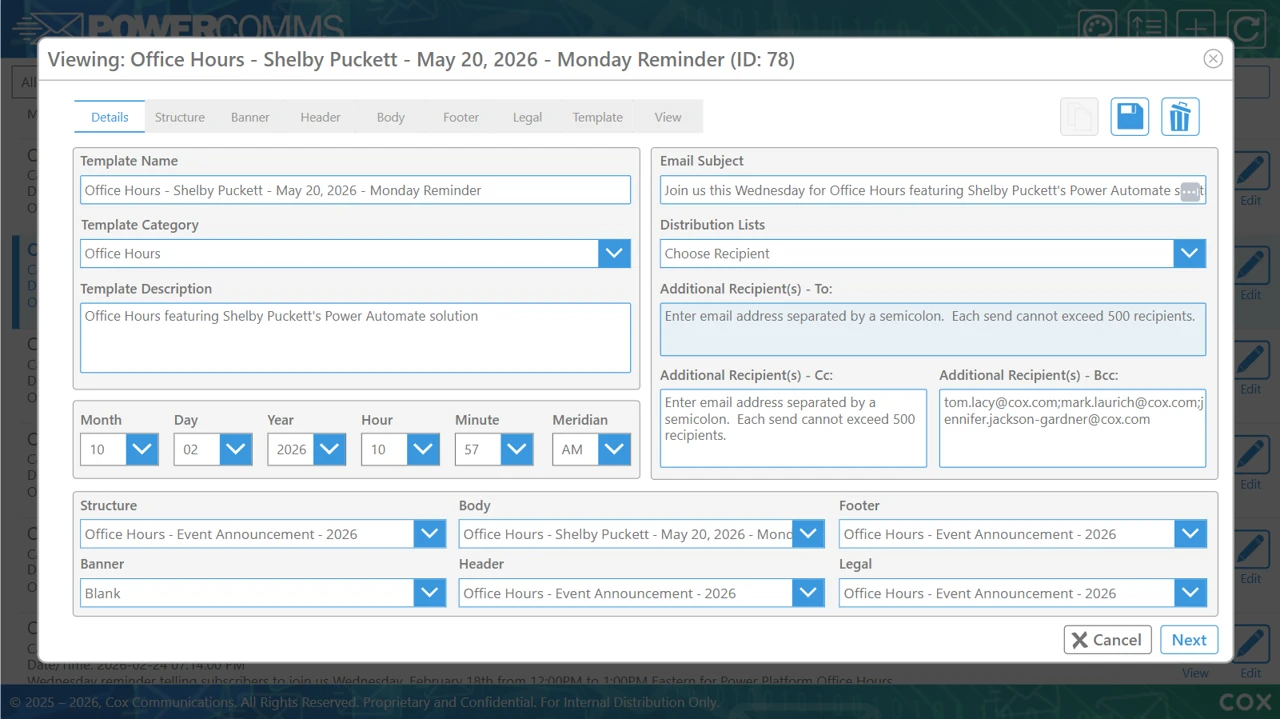
- Communication editing: A structured workspace for updating content and configuring email details.
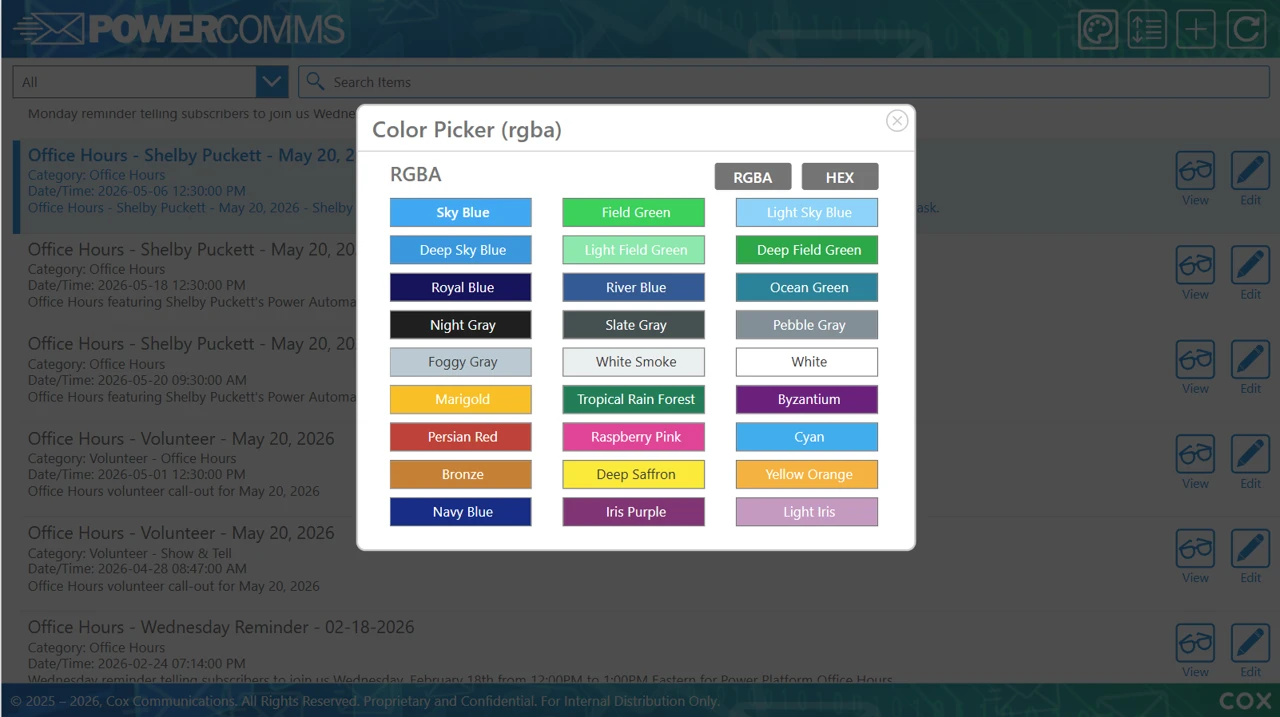
- Brand customization: Controls for selecting colors, fonts, images, and other visual attributes.
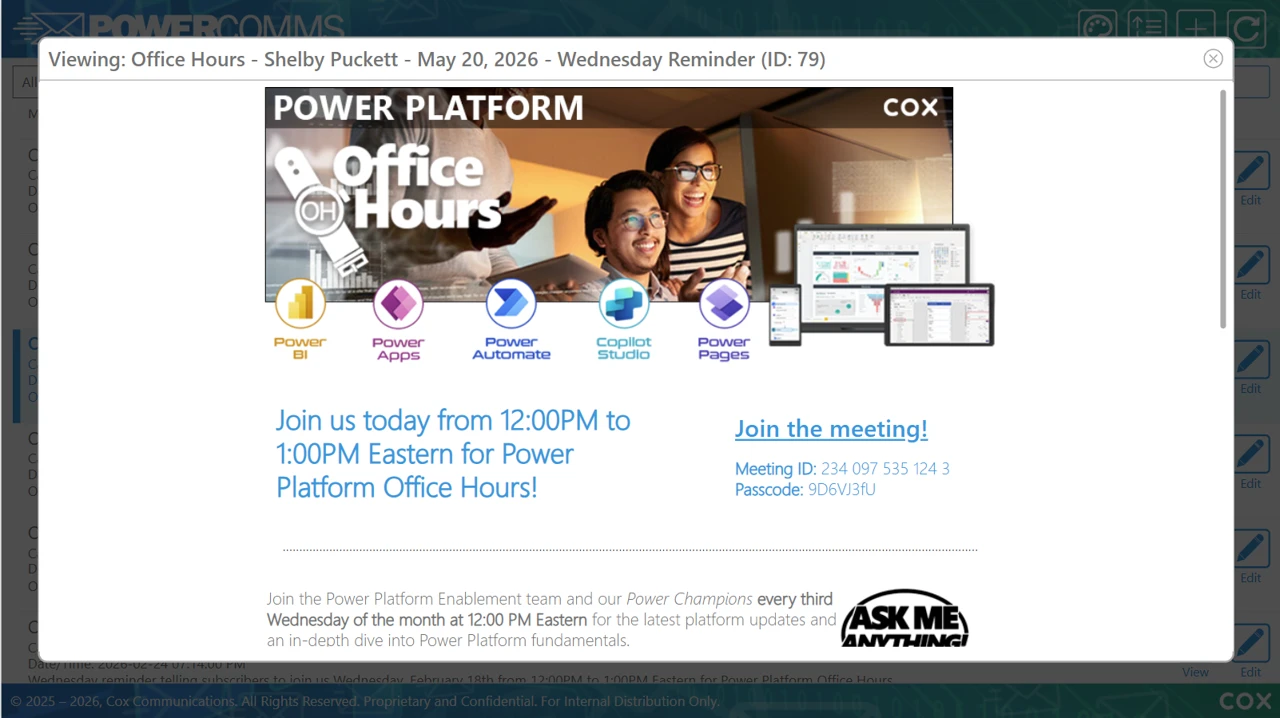
- Preview: A review view that shows how the communication will appear before use.
- New email creation: A workflow for creating a new communication from a blank or structured starting point.
- Reusable components: A dedicated experience for creating and managing components that can be used across future communications.
The six-screen reference illustrates this structure through the template list, editing view, color picker, communication preview, new-email workflow, and reusable-component screen.
The information architecture was designed to help users enter through an existing template, a new communication, or a reusable component and still reach a clear next step.
UX/UI design and visual system
The UI design translated the strategy into a focused, operational, and brand-aware interface.
The screen designs use clear groupings, forms, dropdowns, color controls, preview states, action icons, and reusable layout patterns to help users understand where they are and what they can do next.
The design work included:
- Establishing a centralized template list as the starting point for communication management.
- Creating clear entry points for editing, previewing, and creating new communications.
- Designing visual controls that make brand customization more direct and understandable.
- Supporting structured layouts for banners, tables, email content, and reusable components.
- Making frequent actions visible through consistent icons, controls, and screen organization.
- Using preview states to connect configuration decisions to the final communication experience.
- Creating a visual system that supports branded communications while remaining practical for an internal Power App.
- Considering consistency, readability, maintainability, and reuse across the application.
The design intent was to make PowerComms feel efficient and approachable while giving users the control required to produce professional, branded content.
Copywriting and content design
Copywriting and content design were important to the experience because users need to understand both what they are creating and how each control affects the final communication.
The content-design work included:
- Naming and organizing communication templates and reusable components.
- Clarifying labels for banners, tables, email layouts, colors, fonts, and images.
- Supporting clear actions for creating, editing, saving, previewing, and reusing content.
- Making configuration choices understandable within the editing workflow.
- Providing a logical progression from template selection to final review.
- Defining terminology consistently across communication, template, and component experiences
The result is a content model that treats language as part of the interface—not simply supporting text added after the UI was designed.
Development and design-to-build collaboration
The development phase required translating the branded-communication strategy and UI patterns into a working Canvas Power App.
The focus was on preserving the intended template structure, visual customization controls, reusable component model, preview behavior, and content-creation workflow during implementation.
The design-to-build process included:
- Communicating page structures, interaction expectations, and relationships between templates, communications, and components.
- Supporting implementation decisions within Power Apps and the available environment.
- Translating brand controls into practical application interactions.
- Maintaining consistent layouts and visual patterns across the six core screen types.
- Balancing flexible customization with maintainability, scalability, and future template growth.
Outcome and organizational value
PowerComms provides a centralized home for creating and managing branded communications across teams.
It helps users create professional content more efficiently by combining flexible design controls with reusable templates and standardized communication patterns. The app also creates a foundation for greater internal ownership of the communication experience.
Beyond usability, bringing this capability in-house is designed to reduce dependence on a costly third-party solution and avoid ongoing per-user licensing costs. This creates the potential for significant annual savings while giving the company greater control over future enhancements and product growth.
Key Takeaway
The creation of the PowerComms Power App required more than building an email editor. The work combined experience strategy, information architecture, interaction design, visual design, content design, reusable component thinking, and Power Apps implementation considerations.
The central contribution was turning a flexible but potentially complex branded-communication process into an understandable, efficient, and reusable experience for employees and teams.
PowerComms gives the organization a scalable foundation for consistent internal communications while supporting template reuse, stronger internal ownership, and the potential to eliminate recurring third-party per-user license costs.
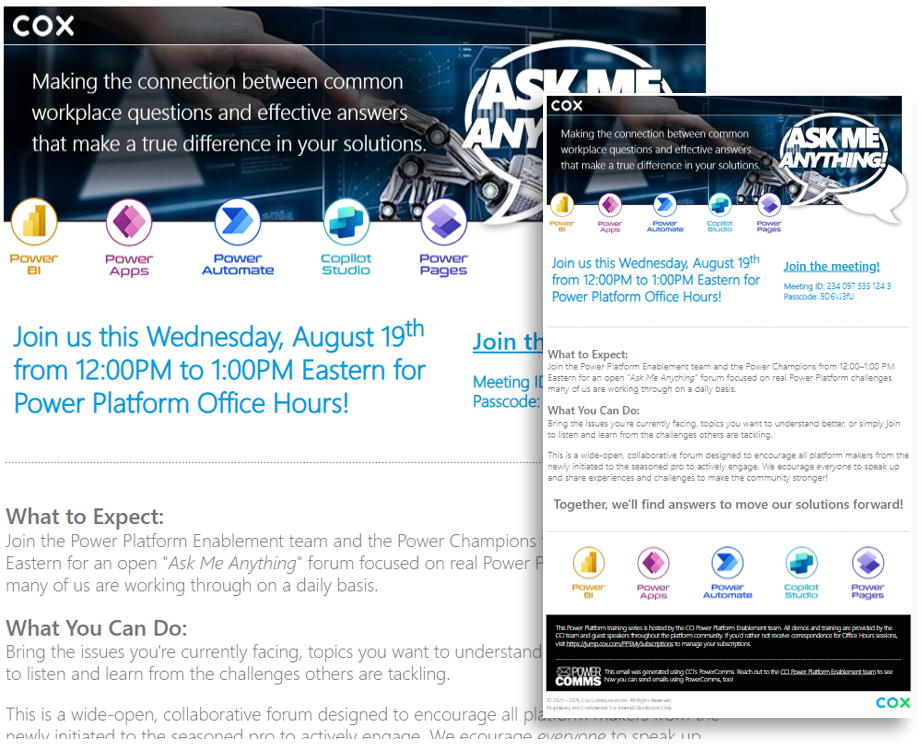
Ask Me Anything
The Power Platform Enablement team and the Power Champions insight during an "Ask Me Anything" forum focused on real Power Platform challenges many community members face.
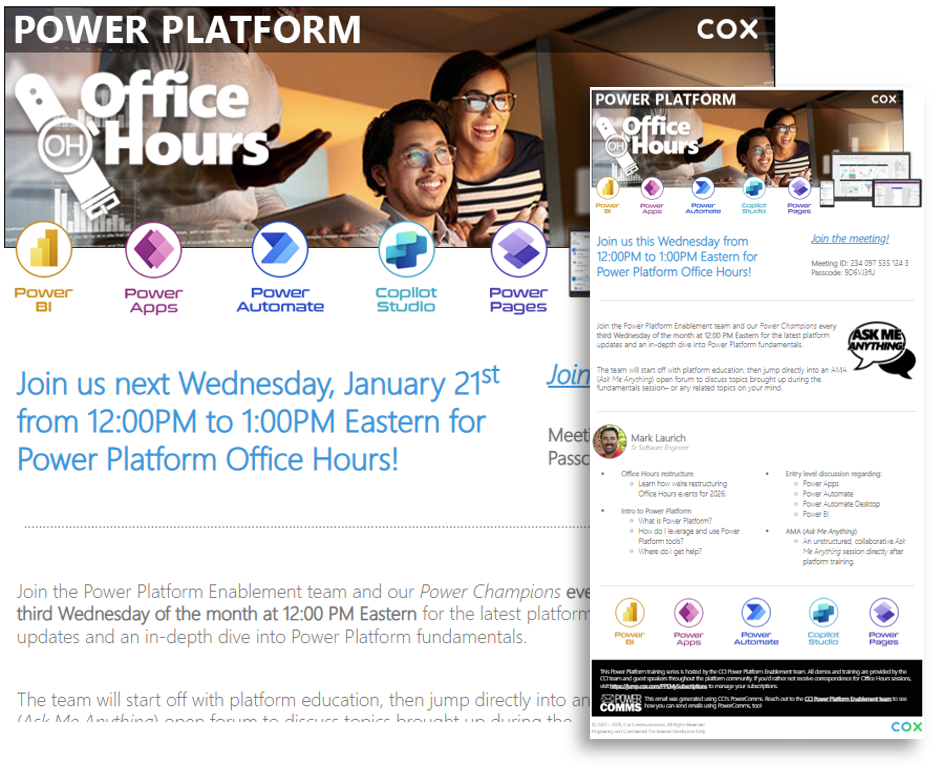
Office Hours
The Power Platform Enablement team and Power Champions share the latest platform updates and an in-depth dive into Power Platform fundamentals every third Wednesday of the month at 12:00 PM Eastern.
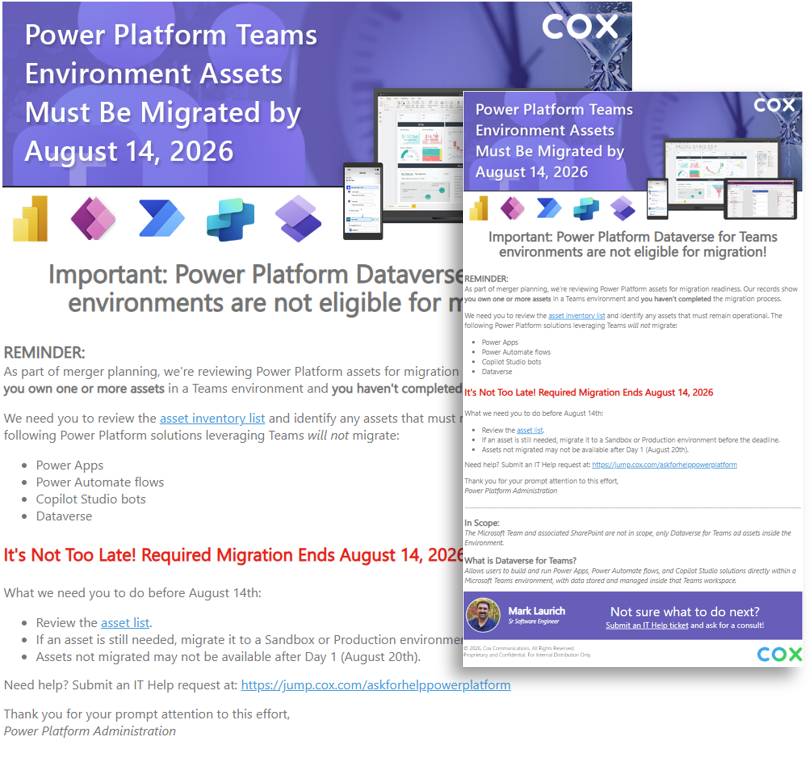
Migration Announcements
During the transition, targeted emails were sent to groups based on their involvement with enterprise tools. A campaign was then created to manage similar communications, incorporating updated messaging through the completion of the initiative.
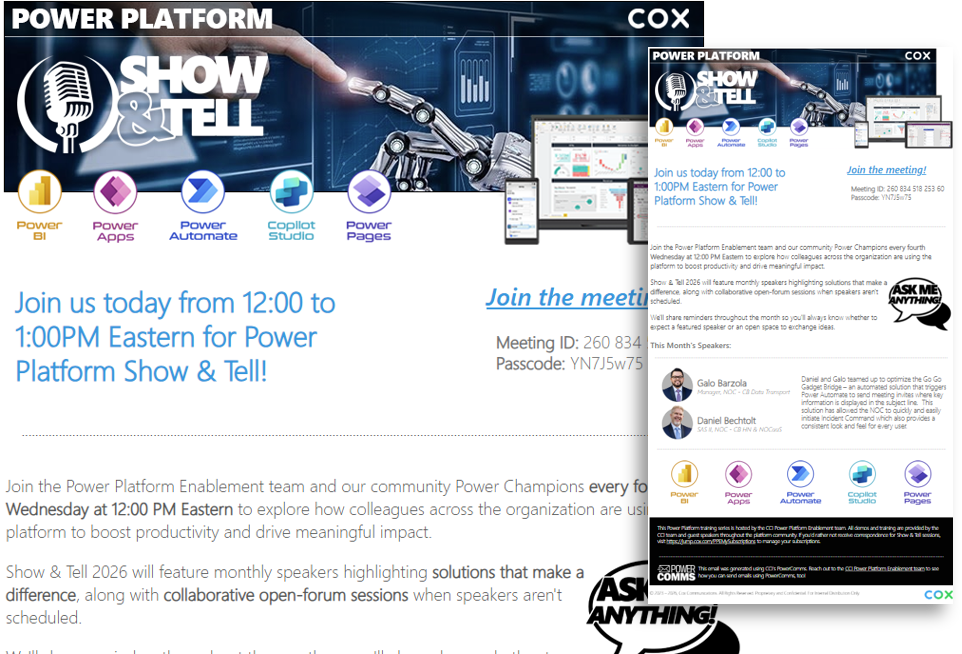
Show & Tell
The Power Platform Enablement team and the community's Power Champions meet every fourth Wednesday at 12:00 PM Eastern to explore how colleagues across the organization are using the platform to boost productivity and drive impact.
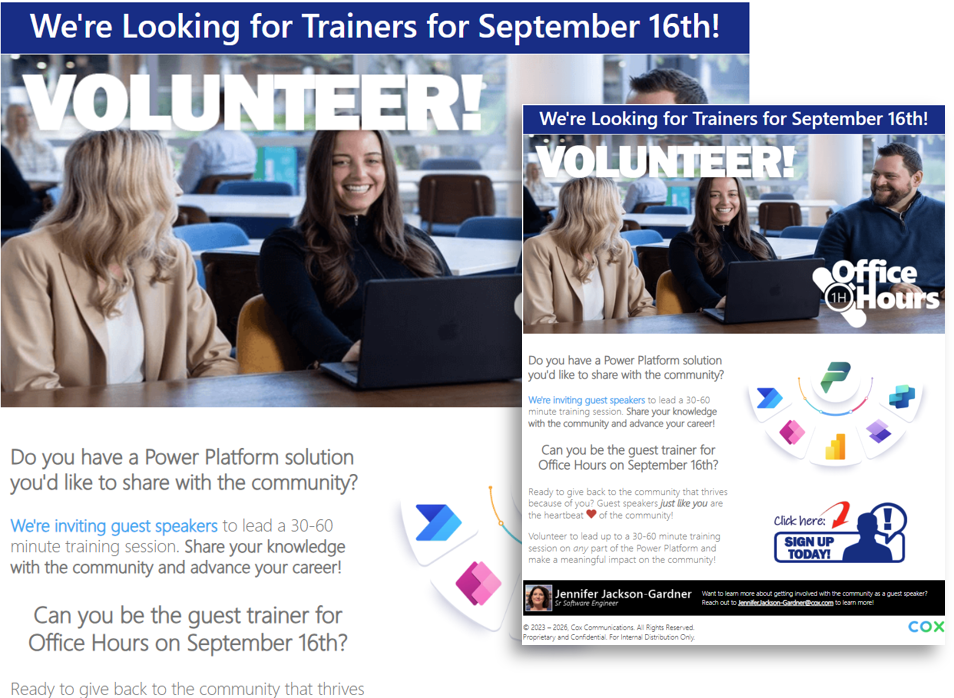
Community Volunteer Notices
A community invitation encouraging members to volunteer as guest speakers for 30- to 60-minute training sessions or to share time-saving solutions and best practices that have benefited themselves, their coworkers, or their teams and departments.
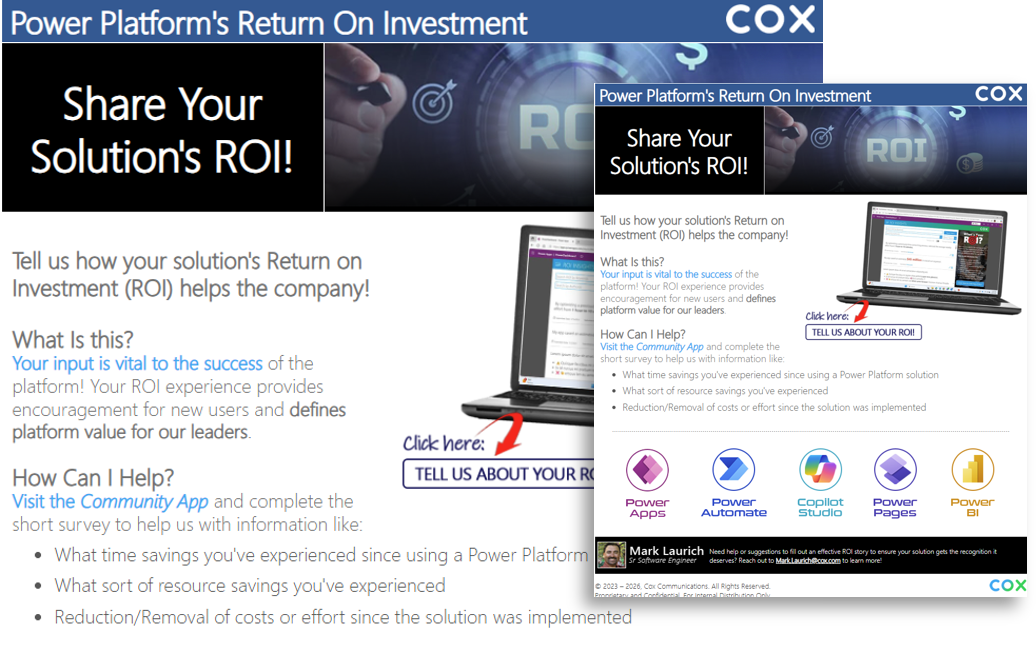
Share Your ROI!
Sent to all Power Platform Communitiy members to encourage sharing solution ROI. The initiative is designed to show leaders the value of the platform and how the organization and employees benefit from the use of the platform's available tools.
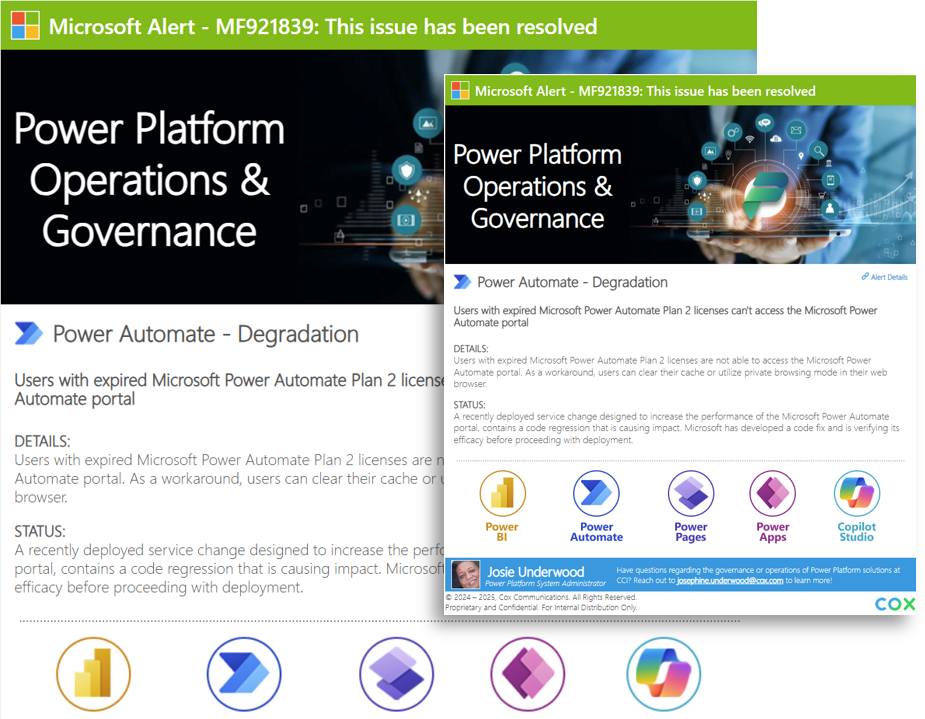
Operations & Governance
A series of email-based notifications from Microsoft that are color-coded to show either an alert or an all-clear status for Power Platform products. This campaign was designed to ensure users didn’t overwhelm the help desk.
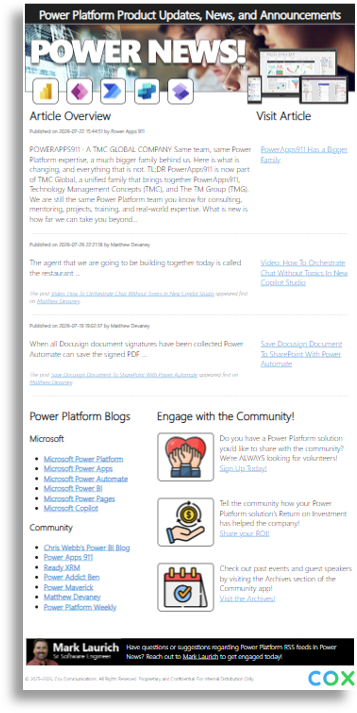
Power News!
Power News! gives the organization a consistent way to leverage RSS feeds from Microsoft and around the Internet to discover platform developments, share knowledge, stay current, and connect with the Power Platform community.
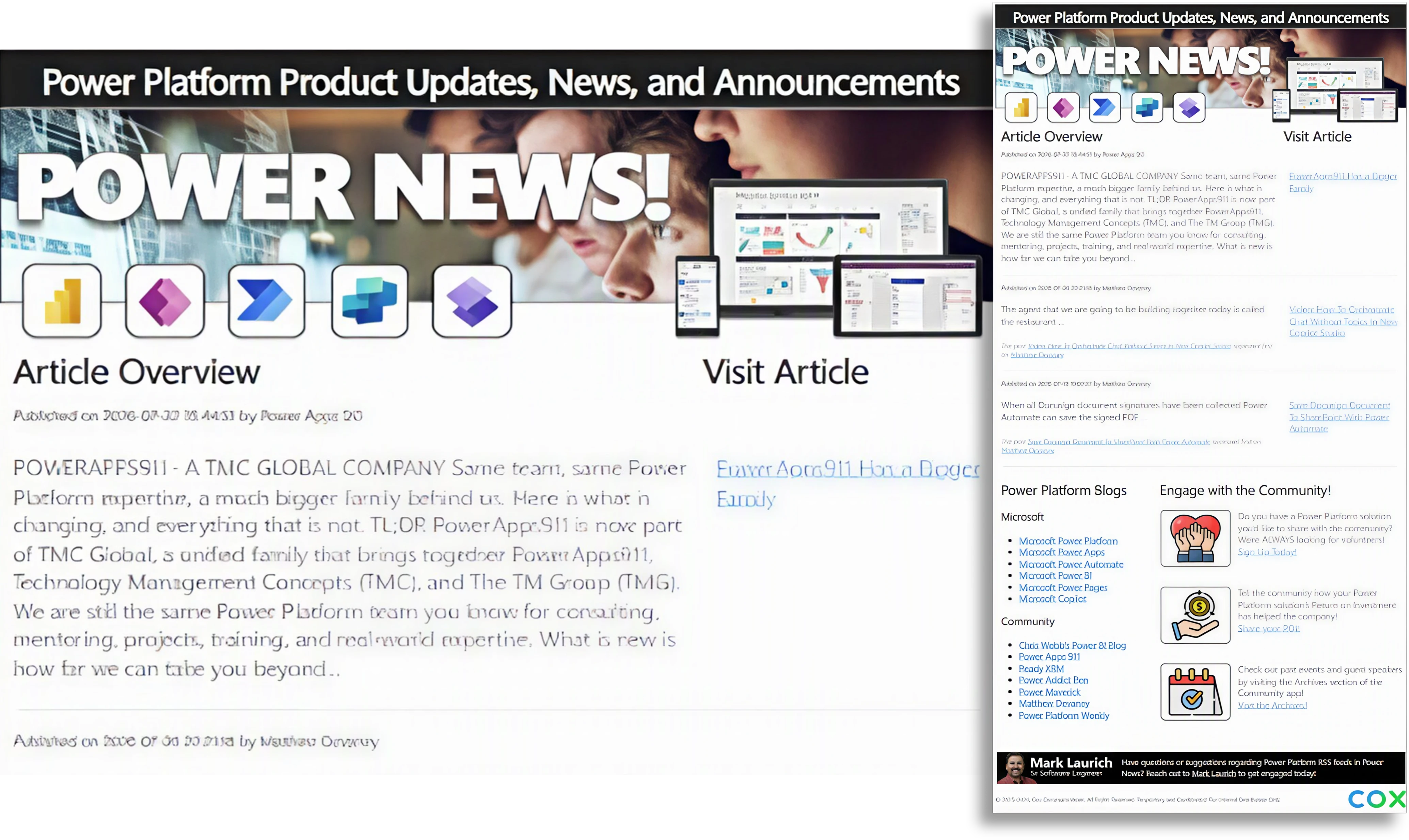
The Power News! Overview
 Although not part of the PowerComms solution, Power News! has several elements created through the app. Power News! is a Power Automate flow that aggregates current Power Platform news from Microsoft RSS feeds and community blogs across the internet. It provides a centralized source for product updates, articles, announcements, and practical information to help employees stay informed.
Core capabilities
- Aggregate RSS Feeds:
Aggregate Power Platform updates, news, and announcements from Microsoft RSS feeds. - Community Blogs:
Include community blogs and articles covering Power Apps, Power Automate, Power BI, Power Pages, Copilot, and related tools. - Article Overviews:
Present article summaries with links to the full content. - Engagement Resources:
Provide community engagement resources, including solution sharing, guest-speaker opportunities, and event information to over 5,000 employees and subscribers.
Intended audience and value
The flow is designed for Power Platform users, developers, administrators, and community members who want a convenient way to follow platform developments.
By bringing official updates and community perspectives together, Power News! helps employees discover relevant information, stay current, and share knowledge more efficiently.